

Today, we will learn how to install Home Assistant in Synology VMM.
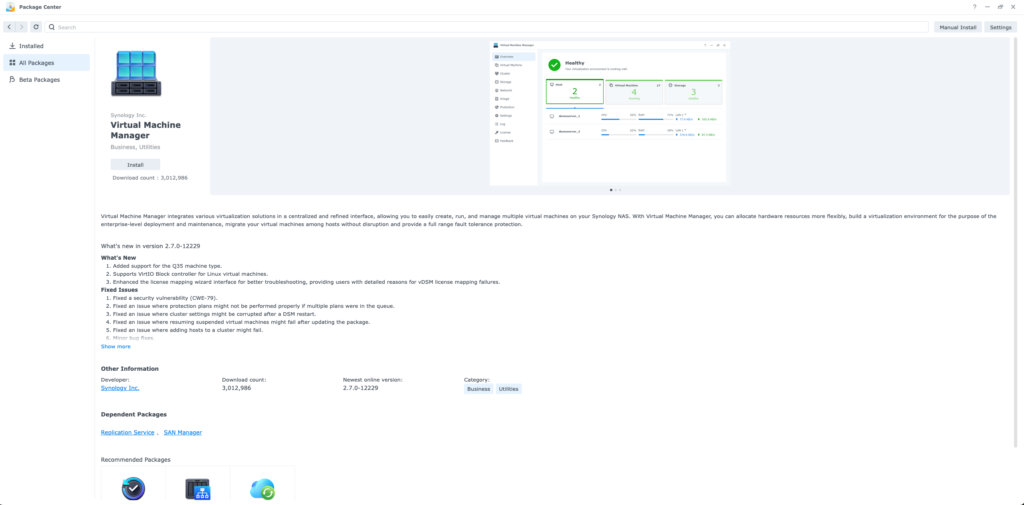
Step 1. Install Synology VMM

Step 2. Download Home Assistant OS
You can download the Home Assistant OS VMware ESXi/vSphere image from their website.
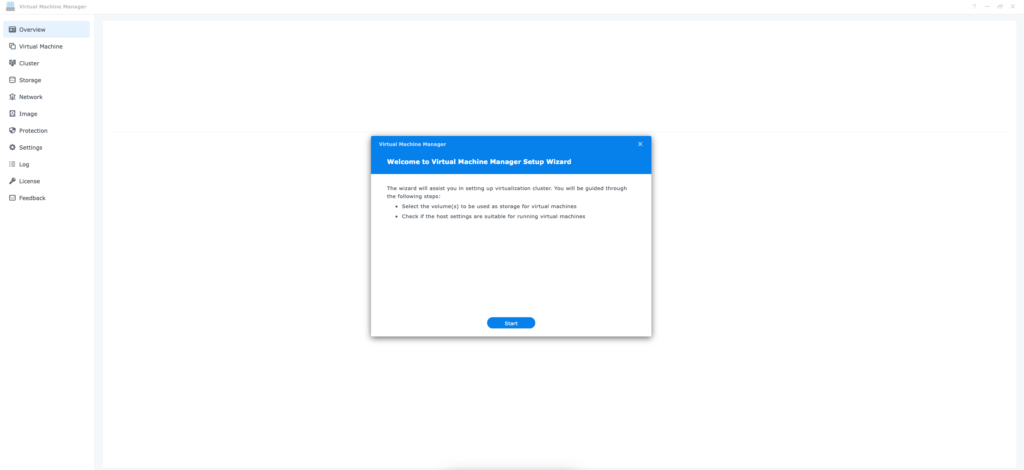
Step 3. Start up VMM and create a Storage pool

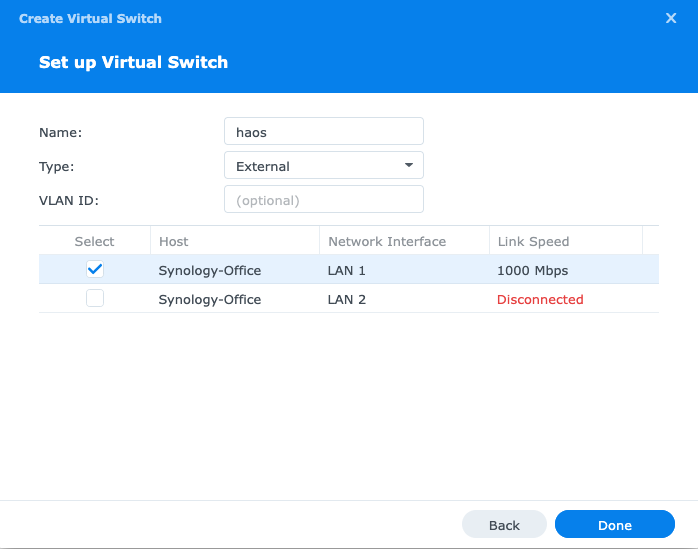
Step 4. Create a network interface.
Choose Type External and select the primary Network interface.

Step 5. Create a virtual machine.
Click on Virtual Machine → Create → Import

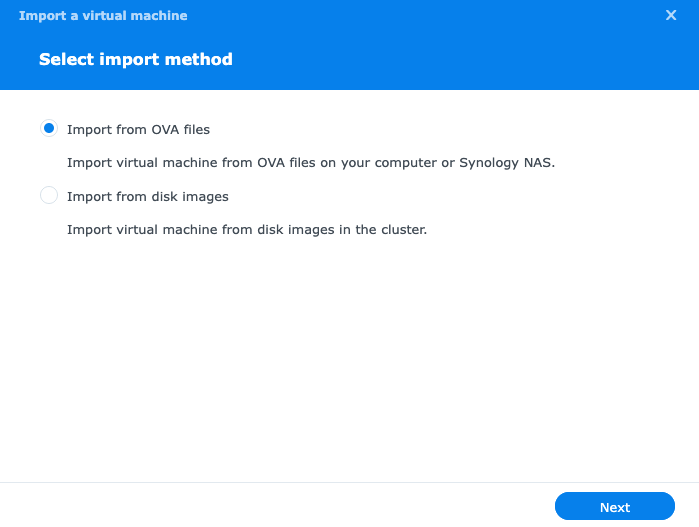
Here, you select Import from OVA files and select the downloaded OVA file from above.

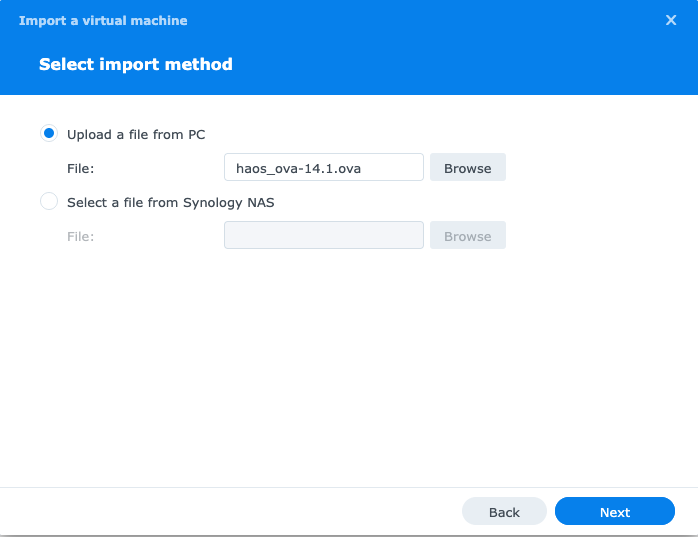
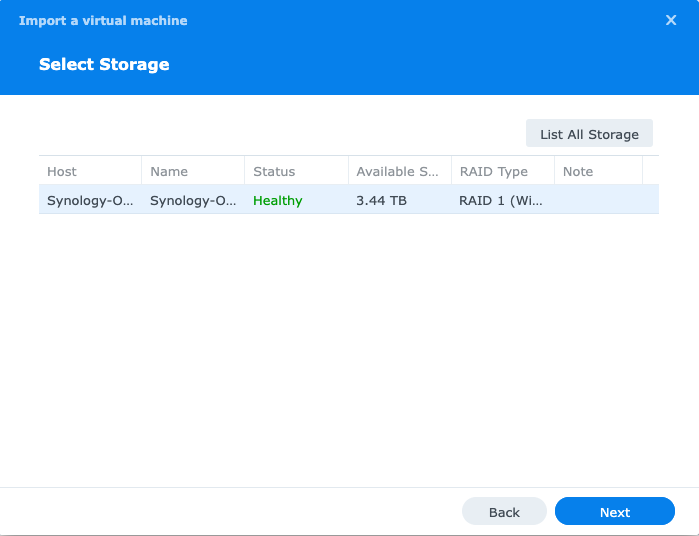
Select storage for your virtual machine.

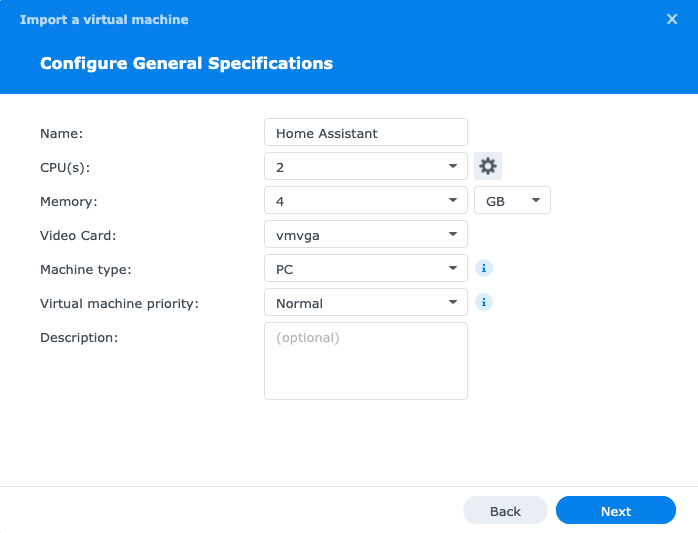
Adjust CPU and memory according to how much you can spare.

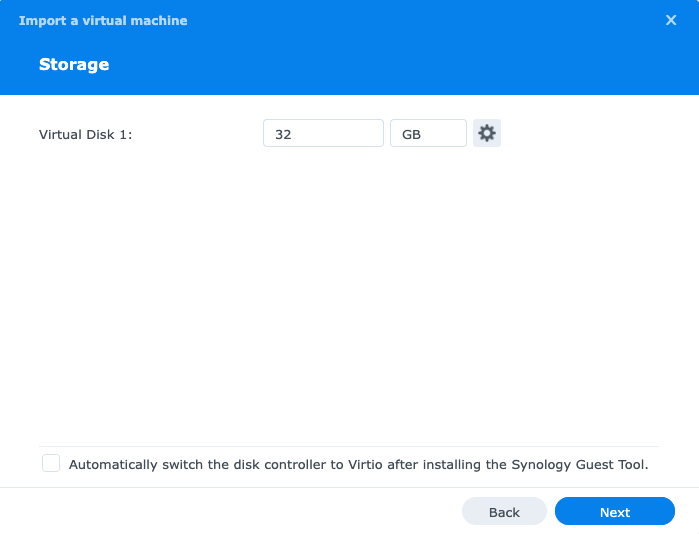
Adjust the storage virtual disk.

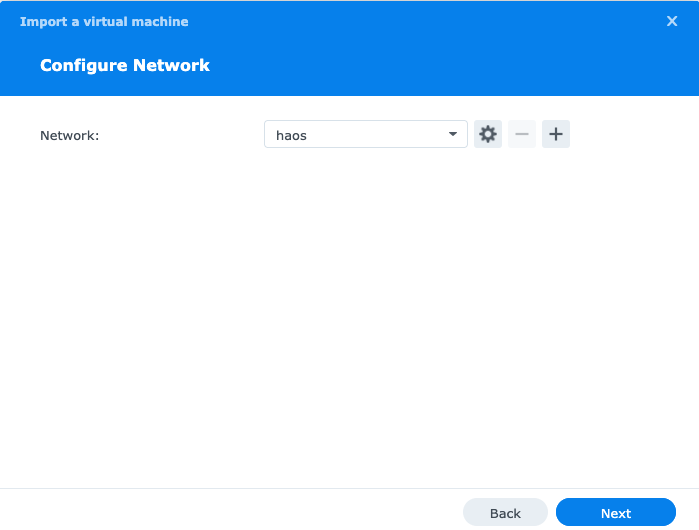
Choose the network interface you created before.

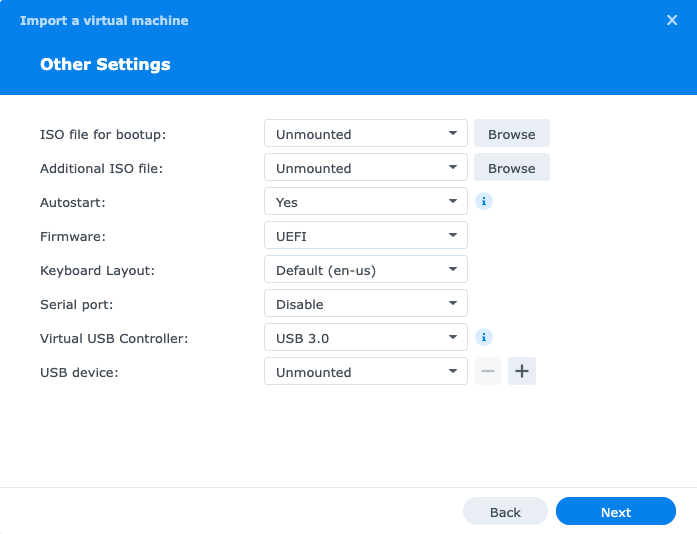
Change Autostart → Yes, BIOS/Firmware → UEFI & Virtual USB Controller to USB 3.0.

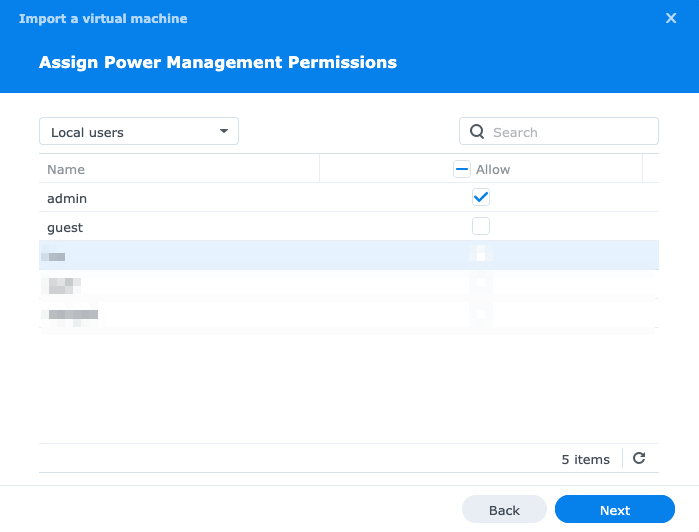
Assign some users (Synology users can start/stop the VM).

Press Next. In the second window, select power on the virtual machine after creation and click done.